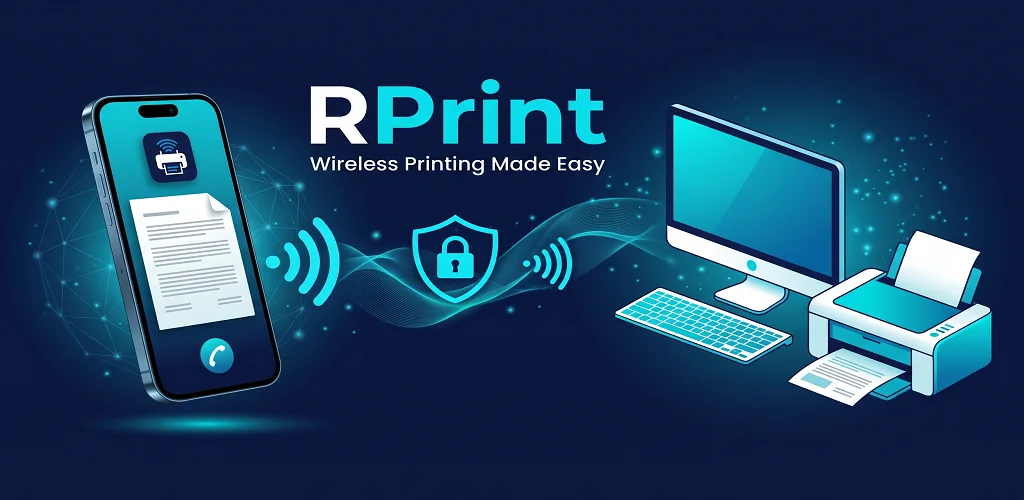
Bridge your mobile device and Windows PC printers instantly. No static IP, no port forwarding router configurations. Encrypted over ultra-low-latency Cloudflare WebSocket tunnels.
Supercharged speed with only ~7 MB binary size, instant 10ms startup, and minimal ~25 MB RAM footprint.
Hardware GPU acceleration when available, with automatic CPU GDI software fallback for driverless office PCs.
Encrypted on your phone, decrypted only on your PC. No print data is ever stored on any server.
Built-in two-way messaging directly from the desktop client with real-time WhatsApp-style responses.
RPrint is an integrated pair: a silent background server for your Windows PC and an intuitive mobile app for your phone.
Installs on your Windows computer in seconds. Automatically enumerates all connected printers—including standard office printers, barcode labelers, and 80mm/58mm ESC-POS thermal receipt printers.
Turn your phone into a portable remote printing station. Select any PDF document, invoice, receipt, photo, or text note and dispatch it directly to your office or home printer.
From retail counters and delivery trucks to home desks and corporate offices, RPrint removes network boundaries.
Sales staff can take orders and generate 80mm or 58mm thermal receipts directly from their mobile phones without being tied to a fixed cashier desk.
Warehouse managers and field couriers can dispatch packing slips, shipping labels, and bills of lading to depot printers while walking through aisles.
Waiters take customer food and drink orders on smartphones or tablets, printing immediate kitchen tickets and bar dockets with zero lag.
Send PDF contracts, meeting agendas, and financial reports from mobile devices while commuting or in meetings, finding the printed documents ready on your desk.
Technicians in the field can sign off work orders, scan physical maintenance forms with the phone camera, and send clean copies to headquarters instantly.
Print school homework, boarding passes, concert tickets, recipe cards, or photo memories directly from WhatsApp and gallery without transferring files to PC.
No complex driver configurations or network tinkering required.
Download and run the Windows setup or portable file. RPrint will immediately discover your local printers and show a dynamic QR code and 4-letter PIN code.
Open the RPrint Android app and point your camera at the PC monitor, or simply type the 4-letter PIN. Both devices pair securely in under a second.
Choose any document or photo, tap "Print", and watch your physical printer start printing immediately—whether you're on the same Wi-Fi or outside on cellular data!
Your documents contain private, sensitive business and personal data. RPrint never stores, reads, or records any print job on external servers.
Every byte transmitted between your phone and PC is encrypted locally prior to transmission.
WebSocket streams are secured through high-availability, DDoS-resilient global edge relays.
PIN codes and pairing keys automatically expire, ensuring no unauthorized remote printing.
Documents sent to the Windows Print Spooler are immediately flushed from memory upon print execution.
No! Traditional remote printing requires complex network setups, DDNS, and opening vulnerable ports in your router. RPrint establishes an outbound secure WebSocket tunnel to our Cloudflare edge relay, allowing you to connect seamlessly behind any firewall, mobile hotspot, or NAT router.
Yes! Once paired, your phone and PC can communicate across completely different networks. You can be on 4G/5G cellular data in another city, send a document, and it will print on your office desk in real time.
RPrint supports any printer recognized by Windows! This includes standard desktop laser and inkjet printers (HP, Canon, Epson, Brother, Xerox), USB/network thermal receipt printers (ESC/POS 80mm & 58mm), barcode/label printers, and virtual PDF printers.
Yes, RPrint is 100% free to download and use for both Windows and mobile devices.
Download the Windows PC Server and the Android Mobile App now. Setup takes less than a minute.